Mateo GarciaEditor
Mateo GarciaEditor
A B2B portal should be designed not around a personal account page, but around the client company boundary. In such a system, the user almost always acts not on their own, but within a specific tenant: a company, department, or separate client environment.
The main risk is data being mixed across customers. For example, a user from Company A receives a link to a document belonging to Company B because the backend checked the “administrator” role but did not check tenant_id. Therefore, tenant_id must be associated not only with database records, but also with documents, files, encryption keys, SSO settings, roles, audit logs, and temporary download links.
During the design phase, you need to systematically verify:
Ultimately, every request, document, role, file, key, and log entry must be associated with a tenant and checked not only in the UI, but also at the API, service, database, and file storage levels.
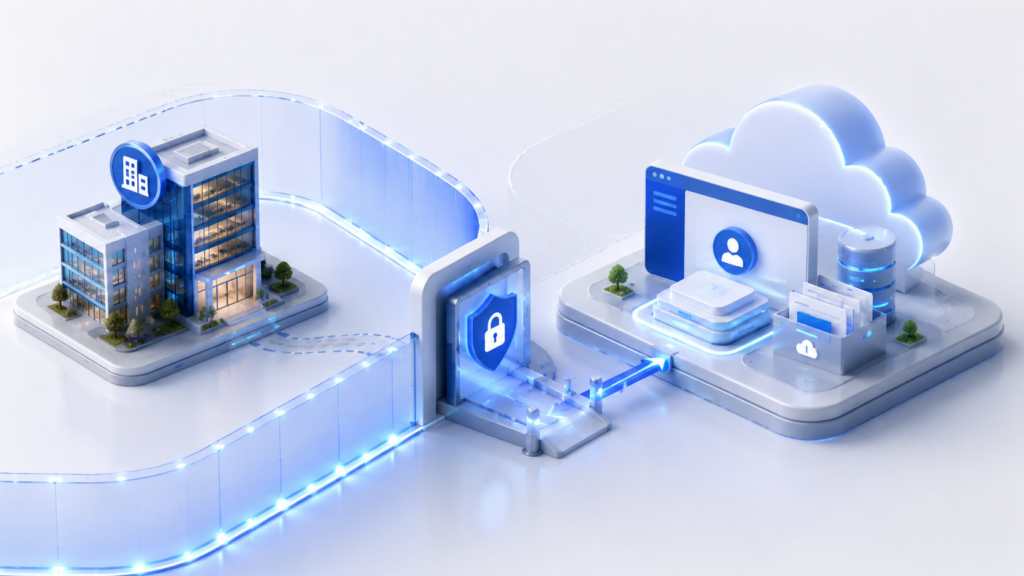
A B2B portal serves customer companies, not individual users. Each company has its own employees, roles, documents, sign-in settings, access policies, and audit requirements.
In this type of system, a failure rarely looks like “a broken page.” A far more dangerous scenario is when a user from one company receives a link to another company’s document because the server side checked the role but did not validate the customer context.
For this reason, the portal architecture must be built around the company boundary. Data, files, encryption keys, SSO settings, activity logs, and access rights must be strictly tied to a specific tenant. Validation must be enforced not only in the user interface, but also at the API, service, database, and file storage levels.
The design logic proceeds in sequence: first, determine where the customer boundary lies; then select an isolation model; after that, configure single sign-on, access control, document storage, logging, and operational requirements for different types of customers.
In this article, SMB refers to small and medium-sized business customers, while enterprise refers to large corporate customers with specific requirements for security, SLA, SSO, auditing, and data isolation.
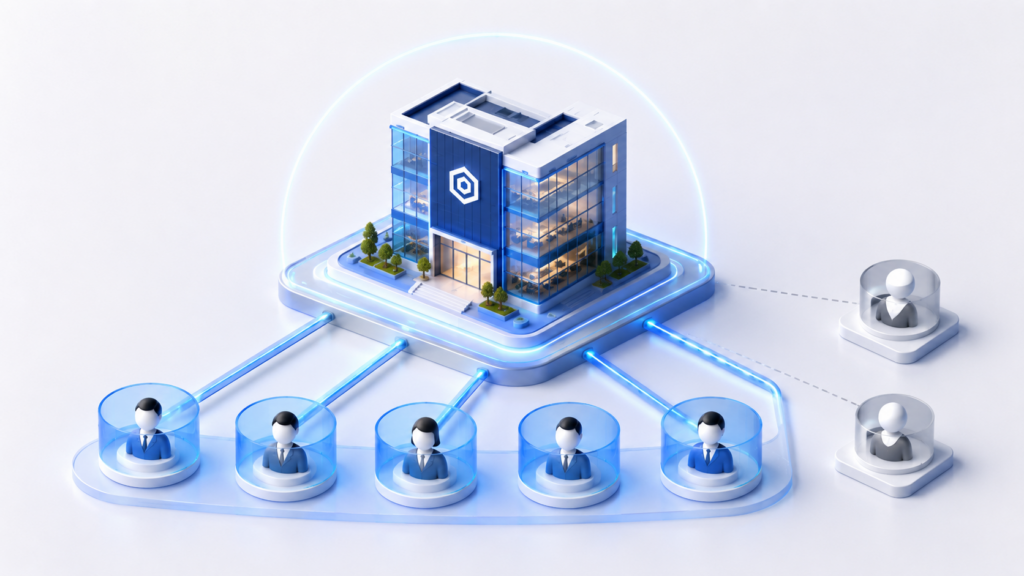
Once the overall customer boundary has been established, the portal’s main architectural object must be defined — tenant. In a B2B system, simply authorizing a user is not enough. First, you need to understand which company they are acting on behalf of: the same person may be associated with multiple organizations, and within a single company there may be dozens of users with different permissions.
A tenant is a client company treated as an independent boundary for data, settings, and rules. Access checks, request routing, document storage, auditing, and integrations are built around this boundary. A user always operates within the context of a company, not on their own.
The following must be associated with the tenant:
If even one of these elements is not linked to a tenant, there is a risk of data being mixed between companies. For example, an “administrator” role with no company-level scope changes from a local permission into a potentially global one. An event log without tenant_id becomes weak evidence in an incident investigation because it is unclear which client the action relates to.
The client context can be determined from the portal domain or subdomain, SSO settings, an attribute in the token, the user’s association with an organization in the database, or an explicitly selected active account after verification. What matters is not which method is chosen, but that the source is verifiable and consistent with the access model.
The backend must not “guess” the company based on the last opened account, the page URL, a parameter from the browser, or a file name. A reliable design requires tenant_id to accompany the request as a mandatory system parameter and to be validated at every critical point: in the API, services, database, file storage, and audit log.
Once the tenant is defined as the boundary for data and access, you can move on to the request architecture: how the user signs in to the account, how their permissions are checked, and how the portal securely serves a document from storage.
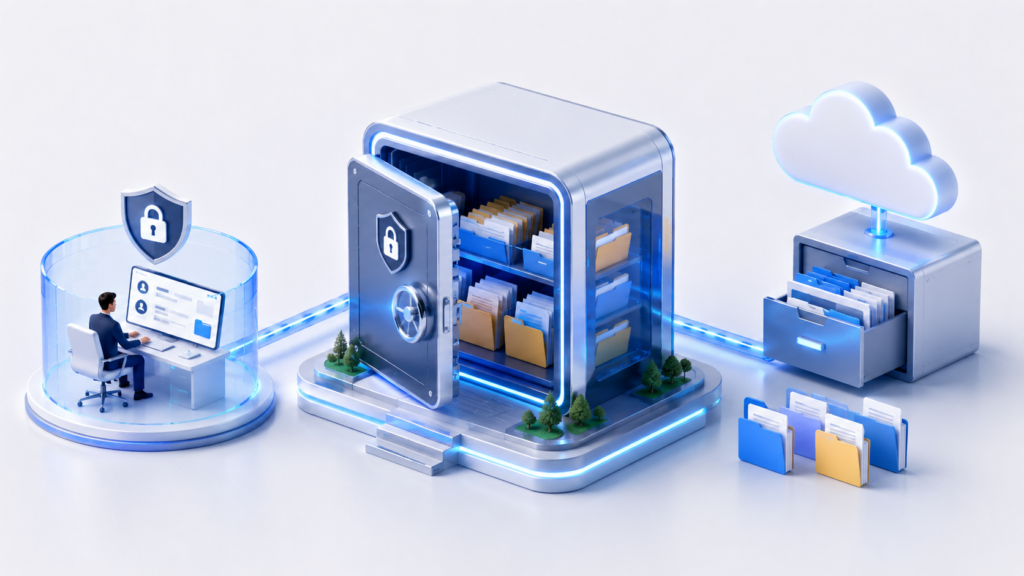
Once the customer boundary has been defined, it must be carried through the portal’s actual components: the customer portal, API, SSO, database, object storage, and audit log. The easiest way to view this is by following the path of a single request, such as downloading a contract or invoice from the customer portal.
The basic flow looks like this:
User → customer portal → local login or SSO → API → tenant resolution → role check → document service → metadata database → object storage → temporary link or streaming download → audit log
The company context must be preserved at every step. The web interface can hide the download button, but that is not a security boundary: a direct API call must still be validated. The API identifies the user, the active company, and the login method. The user and role service checks whether the employee is allowed to read documents of this type within this specific company.
The document service must not simply serve a file via a link. It first retrieves metadata from the database: the document owner, status, type, version, link to tenant_id, and reference to the object in storage. If access is allowed, the service issues a temporary link or provides a streaming download. The download event itself is recorded in the audit log and/or sent to the SIEM.
Component responsibilities can be defined as follows:
| Component | Responsibility | Primary risk |
| Web interface | Customer portal screen and user actions | Error in the user workflow |
| API / backend | Request handling and server-side checks | Bypassing the interface with a direct call |
| Identity provider | Local login or SSO | Untrusted authentication |
| Tenant resolver | Verified company context | Company spoofing in the request |
| Role service | Permissions within a specific company | Access to someone else’s section |
| Document service | Metadata, statuses, versions, and file delivery | Delivery of the wrong document |
| Database | Relationships, permissions, and metadata | Mixing customer records |
| Object storage | Files, versions, and temporary links | Direct, uncontrolled access |
| KMS / keys | Encryption key management | Loss of control over protected files |
| Document queue | Validation, conversion, indexing | Resource-intensive tasks blocking the portal |
| Audit log / SIEM | Recording actions and security events | Inability to investigate an incident |
Components do not guarantee security on their own. The architecture works only when tenant context, authorization, and auditing are applied to every operation involving users, documents, and files.
The next architectural question is which resources can be shared across all customers and which must be isolated: the database, files, keys, SSO settings, logs, or the entire customer environment.
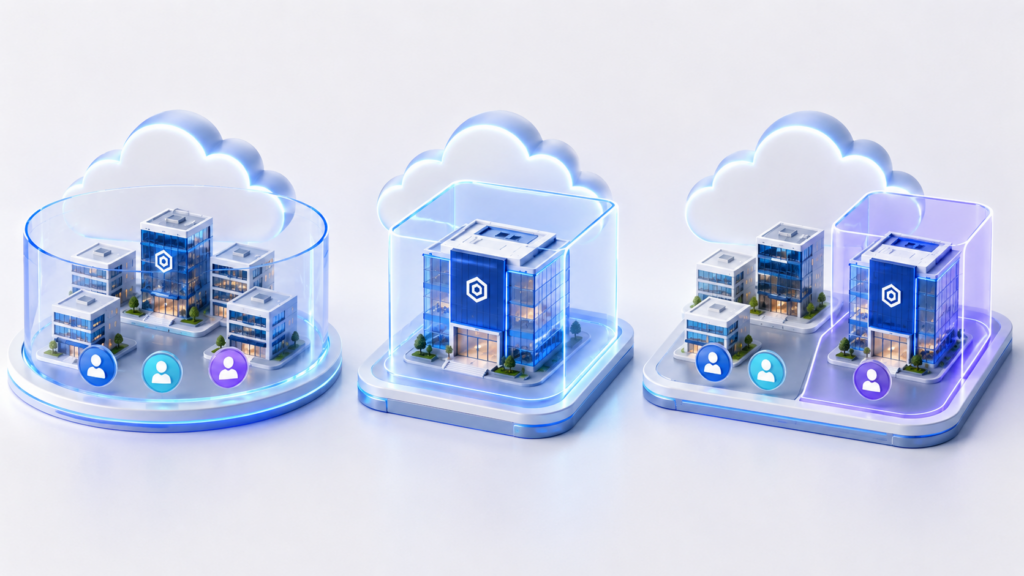
Tenant isolation is not limited to a tenant_id field in a table. It is a decision about how data, files, keys, SSO settings, logs, and access policies are placed and managed.
Shared infrastructure does not automatically mean weak protection: with strict checks, proper indexes, tenant-based filtering, and separate keys, the risk can be manageable. Conversely, a separate database for each customer will not help if the document service serves files through direct links without checking the company.
The isolation model is chosen based on the customer’s scale, SLA, contractual requirements, maintenance costs, and acceptable risk. In B2B portals, three levels of isolation are most common in practice:
| Model | What is isolated | When it is suitable |
| Shared model | Shared database and storage, with separation through tenant_id, roles, and access filters | SMB customers, standard SLAs, typical documents |
| Partial isolation | Separate file containers, encryption keys, database schemas, SSO settings, or logs | Customers with stricter requirements for separation and auditability |
| Dedicated environment | Separate database, storage, keys, audit, integrations, and access policies | Enterprise customers, strict SLAs, contractual or regulatory requirements |
A mature architecture typically combines these options. For example, SMB customers use the shared model, while a large customer gets mandatory SSO, a separate encryption key, a separate file container, and extended audit log export.
This approach reduces the risk of cross-tenant access and makes it possible to introduce different service levels without rewriting the entire portal. Isolation must be consistent: if files are moved to a separate container, metadata, temporary links, audit records, and access permissions still need to be checked against tenant_id.
However, resource isolation does not answer the question of exactly who inside the company can sign in to the portal, view documents, and perform actions. That falls under SSO, users, and access permissions.
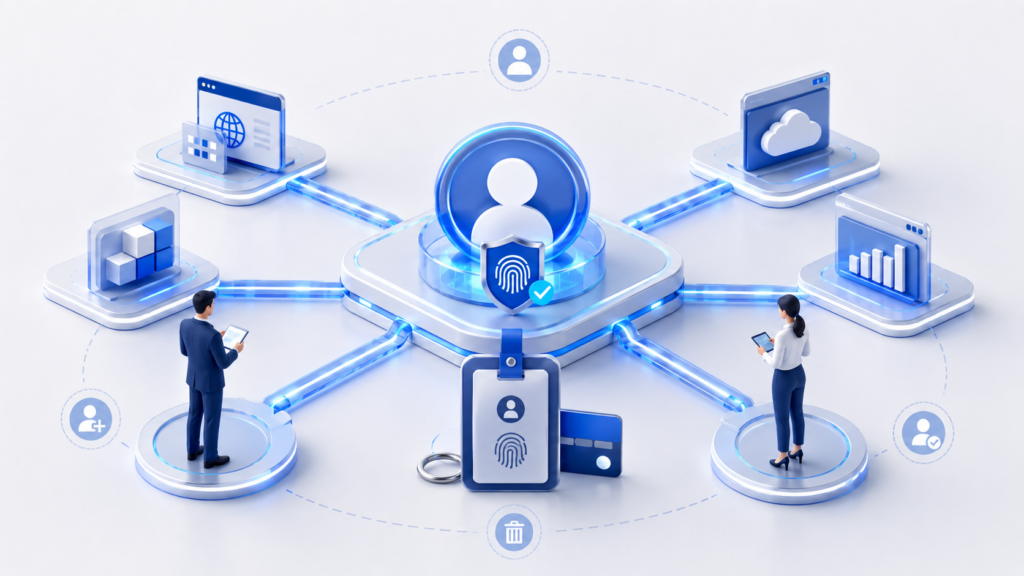
After choosing an isolation model, you need to configure user sign-in. In a B2B portal, SSO is designed not as a single sign-in method for everyone, but as a configuration for a specific company. Different customers may have different identity providers, domains, multi-factor authentication rules, and attributes passed in the token. Therefore, the SSO configuration must be tied to tenant_id.
The basic flow looks like this:
user → corporate sign-in selection or company domain → tenant SSO configuration → identity provider → response with attributes → mapping to a portal user → verified customer context
Key principle: the external identity provider verifies the user’s identity, but it should not automatically grant all internal permissions. Token attributes and groups from the corporate directory must be mapped to portal roles according to the rules of the specific customer. For example, an external Finance group may grant access to invoices in one company, but should have no meaning in another.
When designing SSO, you need to account for:
SSO addresses identification and authentication: the system understands who has signed in, and the provider verifies the user’s password. But after sign-in, authorization remains a separate task. You need to determine what this user can do within a specific company.
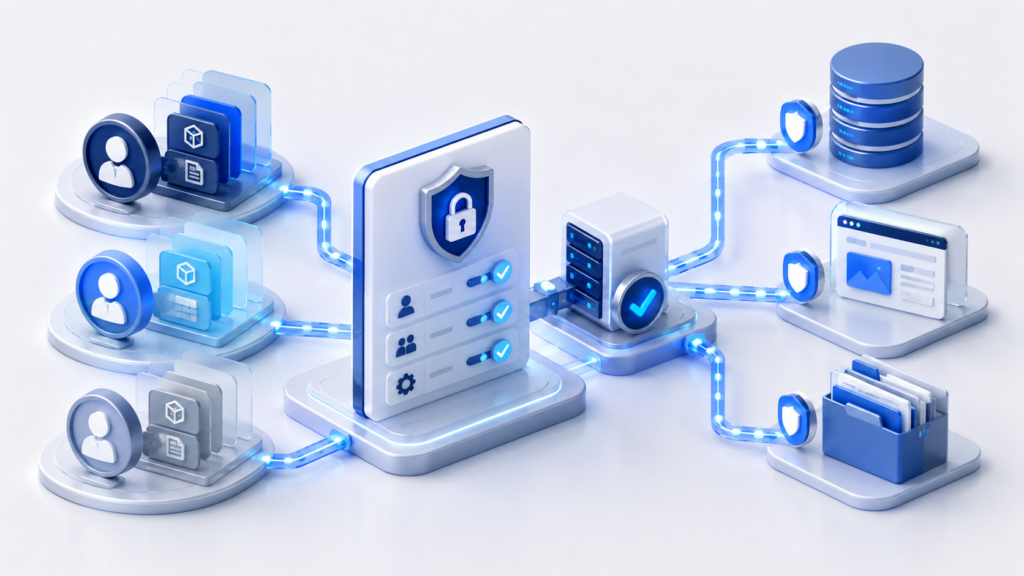
The access control model must be tied to the organization. The role of “administrator,” “accountant,” “lawyer,” or “supplier manager” applies only within a specific tenant. The model should also account for the fact that the same person may be an administrator in Company A and a viewer in Company B.
For a B2B portal, a combination of roles and access scopes is usually sufficient. Role defines the type of actions: reading, uploading, approving, deleting, inviting users, and changing SSO settings. Access scope specifies which objects these actions apply to: all company documents, department documents, contracts of a specific type, or only the user's own uploaded files.
Checks must be performed on the server side for every significant action:




Hiding a button in the interface is not enough. The interface reduces the number of user errors, but it is not a security boundary. The real boundary is where the service receives the request, checks the tenant_id, user, role, access scope, and resource status, and only then performs the operation.
Administrative actions must be restricted separately. A company administrator may manage users in their own organization, but must not be able to see the portal’s global settings or other customers’ data. If the portal operator’s support team needs access to customer data, it must work through separate roles, audit logging, and, where possible, temporary permissions.
This model connects SSO, roles, and customer isolation: sign-in verifies identity, context determines the company, permissions restrict actions, and server-side checks prevent the rules from being bypassed with a direct request. After that, you can move on to documents and files—the main source of risk in most B2B portals.
A document in a B2B portal is not just a file. Two components are important for the architecture: metadata and physical object.
Metadata is stored in the database: tenant_id, document type, owner, status, version, retention period, access permissions, and a reference to the object in storage. The file itself is usually stored in object storage because it is well suited for large attachments, versioning, redundancy, and issuing temporary links.
This separation reduces the risk of uncontrolled access. A user should not receive a permanent public URL for a file. The request first goes through the document service, where the company, user, role, document status, and permission to perform the action are checked. Only then does the service provide a temporary link or stream the download.
For file storage, you need to define in advance:
For standard customers, shared object storage may be sufficient, with tenant_id required in the metadata, strict permissions, and non-public containers. For customers with stricter requirements, it is better to use separate containers, separate encryption keys, and separate retention policies. If the contract requires complete separation, file storage becomes part of the customer’s dedicated environment.
It is important not to confuse document permissions with file permissions. A document may have the status “available to accounting,” but the object in storage itself should not be directly accessible to all users in that group. The document service remains the decision-making authority: it knows the business status, version, owner, customer context, and access restrictions.
After document storage, one final mandatory layer remains: auditing. It must show who logged in to the portal, what actions they performed, which documents they opened, and which operations were rejected.
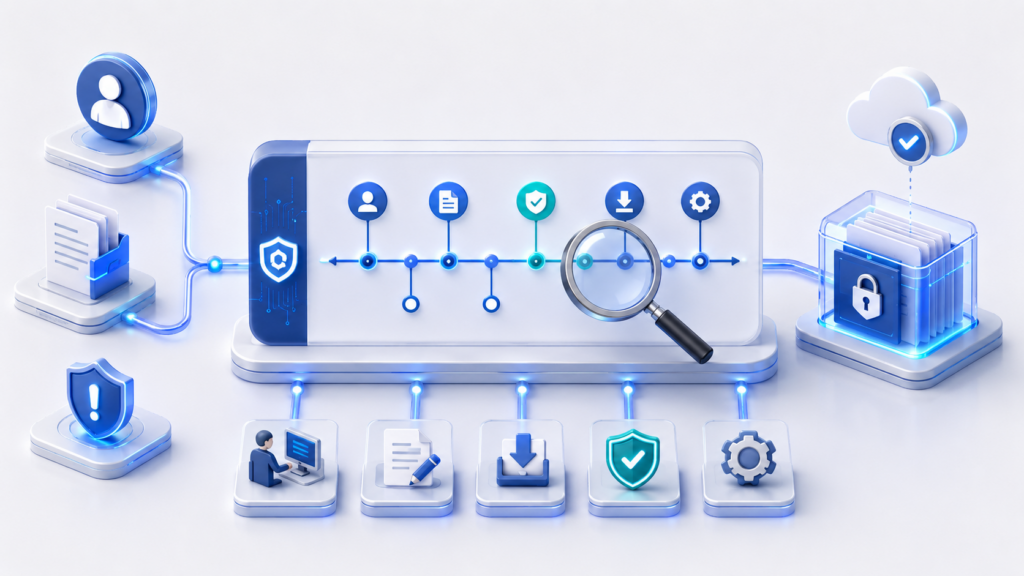
After SSO, roles, and file storage, a layer is needed to confirm that the rules are actually being enforced. Logging in a B2B portal is not only for technical diagnostics. It shows who signed in to the system, which documents they opened, which permissions they changed, and which operations were denied.
For corporate customers, auditing is part of access control, incident investigation, and compliance with contractual requirements.
The log should capture key user and administrative actions:
Each event must include a minimum set of fields: tenant_id, user identifier, action, resource, time, result, request source, and a technical operation identifier. If the event relates to a document or file, the document identifier, version, and operation type must be recorded.
Without tenant_id, the log loses its value: it becomes impossible to prove which customer an event belongs to. If the log stores unnecessary document content, it becomes a new source of sensitive data itself. For auditing, identifiers, metadata, and the operation result are usually sufficient.
For SMB customers, the log can be stored in a shared audit system with filtering by company. Enterprise customers often require a separate retention period, regular exports, SIEM integration, or a dedicated logging environment.
Auditing closes the architectural chain: isolation defines the customer boundary, SSO verifies identity, permissions restrict actions, storage protects documents and files, and the log shows exactly what happened and who initiated it.
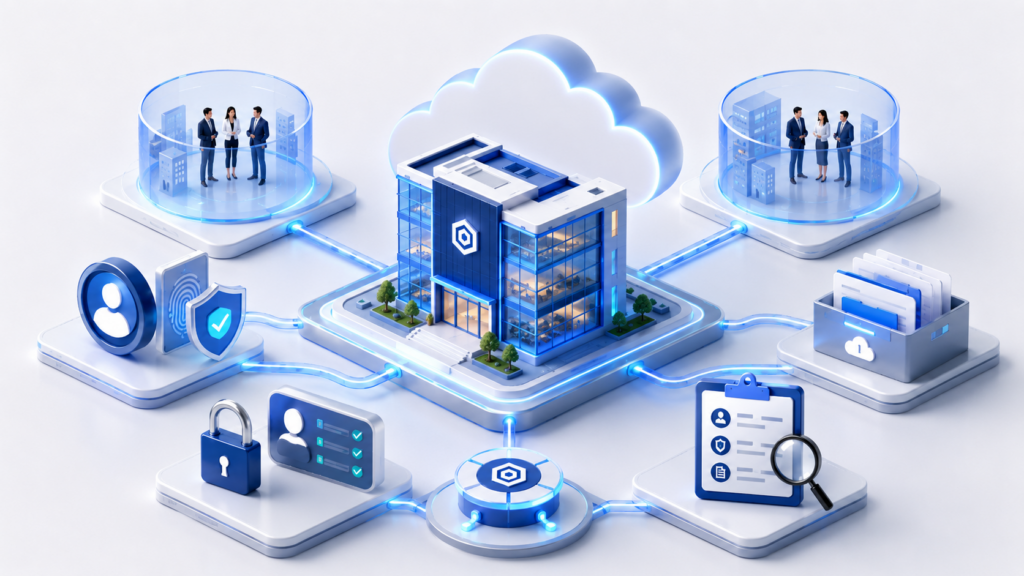
A B2B portal should be designed around a verifiable company context. For typical customers, shared infrastructure may be sufficient, provided that tenant_id is mandatory, permissions are validated server-side, and file storage is secure. Large customers often require separate databases, storage containers, encryption keys, SSO, and extended audit capabilities.
A robust architecture emerges when every request, document, role, file, key, and event log is tied to a tenant and validated server-side. This allows the portal to evolve without the constant risk of customer data being mixed.
No. `tenant_id` is necessary, but it addresses only part of the problem. You also need to isolate files, keys, SSO settings, roles, logs, and temporary download links.
The UI can be bypassed with direct API calls. Therefore, permissions must be checked server-side for every action: viewing, uploading, downloading, deleting, and changing settings.
The identity provider must be linked to a specific company. Token attributes and groups from the external system should be mapped to the portal’s internal roles, rather than treated as access permissions in their own right.
Files should be stored in object storage, while the database should store metadata, the owner, `tenant_id`, status, and permissions. Temporary links should be used for downloads instead of permanent public URLs.
Sign-ins, authentication failures, access denials, document uploads and downloads, role changes, user invitations, data exports, and SSO changes. Each event must include `tenant_id`, the user, the action, the resource, the time, and the result.
When the contract, SLA, security requirements, or regulations require a separate database, storage, keys, logs, and enhanced access control.
1. Microsoft Learn — SaaS and multitenant solution architecture
2. AWS Whitepaper — SaaS Tenant Isolation Strategies
3. OpenID Connect Core 1.0
4. OWASP Cheat Sheet Series — File Upload Cheat Sheet