Mateo GarciaEditor
Mateo GarciaEditor
Cloud infrastructure may be configured correctly, but that is not enough during an audit. The team must do more than say, “We have logs, MFA, backups, and encryption enabled.” It must be able to quickly provide verifiable evidence: IAM permission exports, access logs, backup policies, recovery records, encryption settings, infrastructure diagrams, and incident response procedures.
The main mistake is preparing for an audit by haphazardly collecting screenshots from the cloud console. A screenshot without a date, scope, owner, review period, and link to a specific control is usually weak evidence. It is far more reliable to prepare artifacts in advance so it is clear which risk is being addressed, by which control, where it is configured, what evidence supports it, and who is responsible for keeping it up to date.
The basic preparation approach is as follows:
The purpose of preparation is not to “look secure,” but to prove that controls are operating. If every major risk has a policy, an actual configuration, a log or test result, an owner, and a verifiable period, the audit becomes a normal fact-checking exercise rather than an urgent search for evidence across chats, consoles, and old spreadsheets.
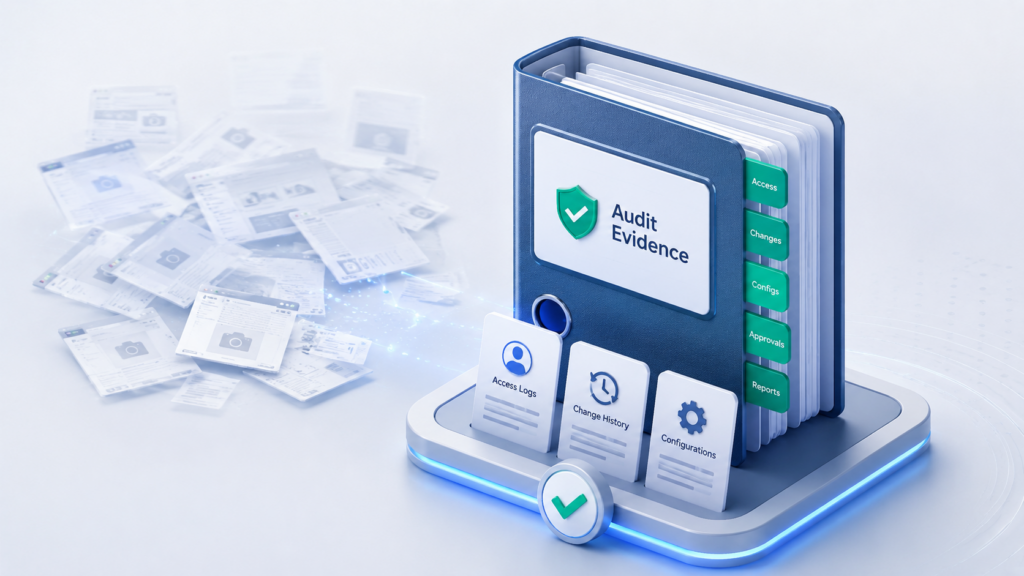
Imagine a team that needs to pass a cloud infrastructure audit in two weeks. The services are running, access seems to be configured, backups are being performed, encryption is enabled, and logs are being collected somewhere. At first glance, everything looks fine.
The problem starts when the auditor asks the team not to “describe” things, but to show evidence. Who has access to the production database? When were privileged roles last reviewed? Where is the change log for network rules? Which resources are included in backups? When was recovery actually tested? Who can manage encryption keys?
If the answers to these questions are scattered across different consoles, chats, screenshots, old spreadsheets, and the memories of individual engineers, preparation quickly turns into a fire drill. The team is not so much going through an audit as trying to reconstruct a picture of its own infrastructure from scratch.
That is why preparation should start not by exporting everything in sight, but by defining the audit scope and the logic of the evidence. First, you need to understand which systems, data, risks, and controls are in scope for the audit. Only then does it make sense to collect IAM exports, logs, backup policies, encryption evidence, and incident response procedures.
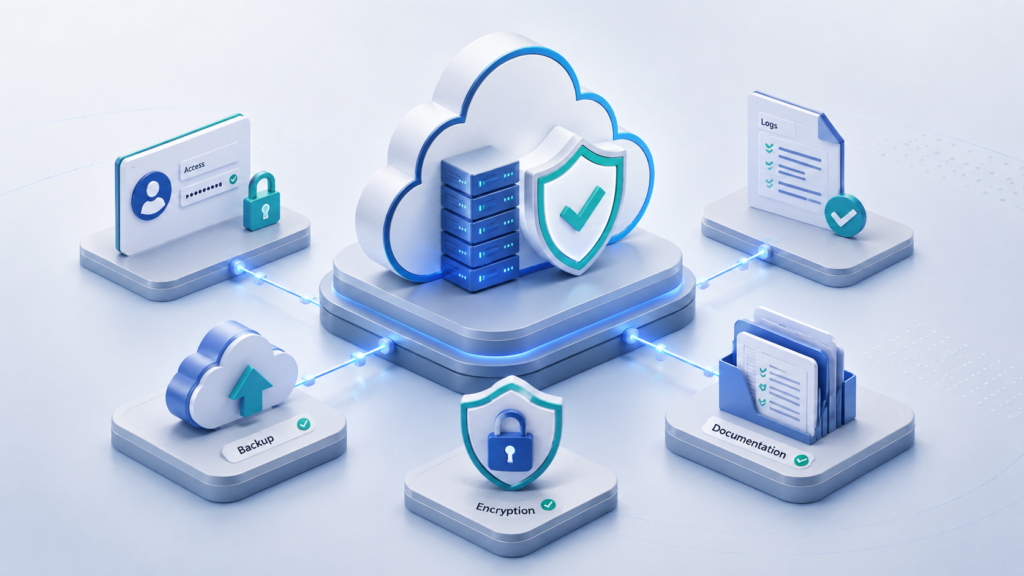
After the introduction, it is important not to jump straight into IAM exports, logs, and screenshots. First, define the audit scope: which cloud accounts, projects, subscriptions, environments, critical systems, data categories, and external integrations are included in the review, and what is excluded and why.
Otherwise, the team will quickly collect a large number of files but will not be able to explain what exactly they prove. For an auditor, what matters is not the volume of materials, but traceability: from risk to control, and from control to evidence.
It is convenient to collect evidence along a single chain: Risk → control → setting → evidence → owner.
A policy describes what should be in place. A configuration shows how it is implemented in the cloud environment. Evidence confirms that the control actually operates within the defined scope and over a specific period. The owner is responsible for keeping the control up to date and must be able to explain the artifact.
For example, an auditor asks how administrative access is protected. The answer “MFA is enabled” is too general: it is unclear who exactly it is enabled for, which roles it applies to, whether there are exceptions, and when this was verified. Evidence with context is stronger: MFA is applied to privileged IAM groups and roles, the report was generated for a specific date, exceptions are listed separately, and the control owner is responsible for access review.
This logic can be illustrated using common cloud infrastructure risks:
| Risk | Control | Evidence to prepare |
| Unauthorized access | MFA, least privilege, regular access reviews, PAM solutions | IAM export, MFA report, list of privileged roles, access review results, PAM commissioning record, and PAM logs |
| Data loss | Backup policy and restore testing | Backup policy, job reports, recent recovery drill report |
| Inability to investigate | Centralized log collection and retention | Activity logs, log retention policy, access rights to logs |
| Key compromise | Key management, permission restrictions, and rotation | Key policies, operation logs, rotation settings, list of roles with access |
This table does not replace the requirements of a specific standard. It serves as a framework: for each risk, it should be clear which control addresses it, where that control is configured, what period the evidence covers, and who is responsible for it.
The boundary of responsibility should also be documented separately. Under the shared responsibility model, the cloud provider is typically responsible for the physical infrastructure and part of the managed platform. The customer remains responsible for access, data, configurations, network rules, logs, backups, keys, and applications.
For this reason, referencing only the provider’s certification is not sufficient. It attests to part of the platform, but it does not prove that the customer’s specific environment is configured correctly.
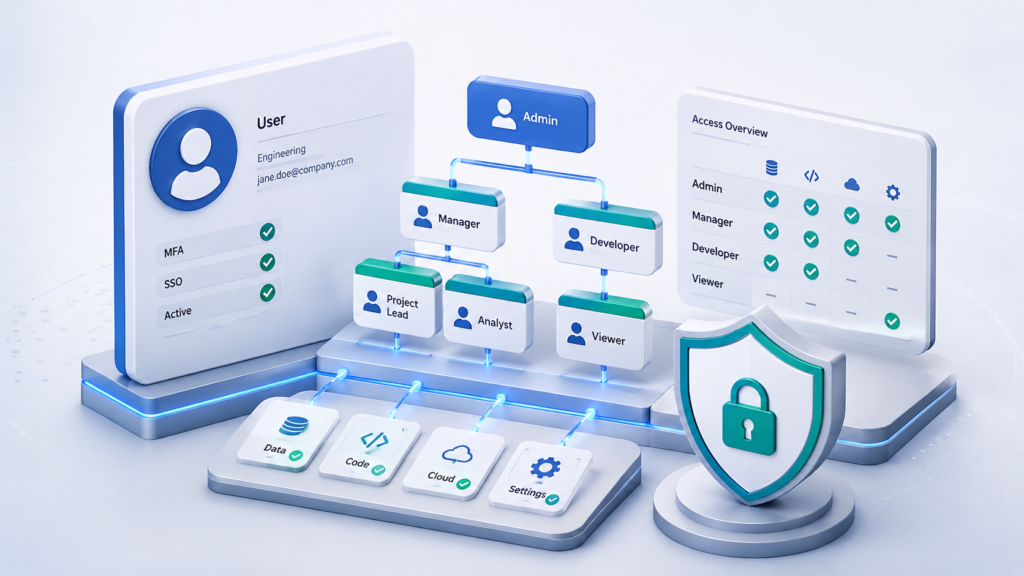
Once the audit scope and evidence logic have been defined, access should be the first practical area to review. IAM shows who can change resources, logs, backups, keys, and other settings that determine whether the infrastructure can be audited.
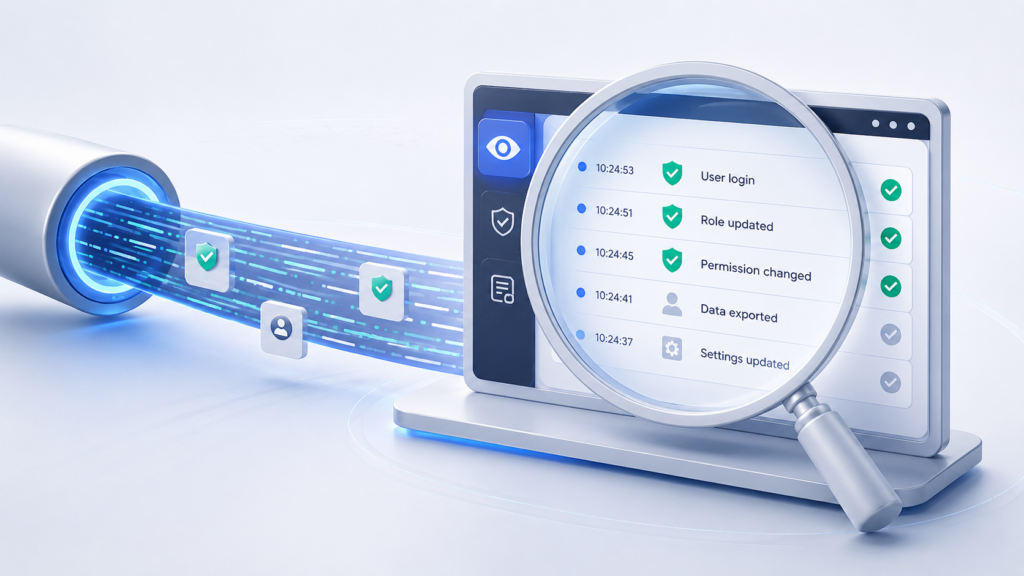
IAM is identity and access management: who can sign in to the cloud environment, which roles they are assigned, and which actions they can perform.
This is critical for an audit because permissions can be used to change not only resources, but also the evidence itself: logs, backup policies, encryption keys, network rules, and service configurations. For this reason, an access audit is not a reconciliation of the user list, but a review of how well permissions are governed.
A standard export of all users from the console proves very little. It does not show why access was granted, which environment it applies to, who approved the role, when permissions were reviewed, or whether any temporary exceptions exist. The auditor needs to understand whether privileged access is a business necessity, a legacy remnant, or an uncontrolled risk.
For IAM, you should prepare not a single list, but a related set of artifacts:
Each export must include the generation date, scope, role or account owner, link to the access policy, and environment. A weak response to an auditor’s request is a console screenshot. An auditable response is an export with roles, groups, owners, MFA status, the date of the last review, and a list of exceptions, along with approved access requests.
Service accounts and long-lived access keys require special attention. They are often not tied to a specific employee, are used by integrations, and continue to work after a team changes or a project is closed. If such an account has no owner, purpose, or review date, it becomes privileged access with no accountable owner.
A proper IAM export shows who can act within the infrastructure and on what basis. However, it does not yet prove that those actions are recorded. After reviewing permissions, the auditor needs to see that sign-ins and changes to roles, network rules, resources, and keys are captured in logs and available for investigation.
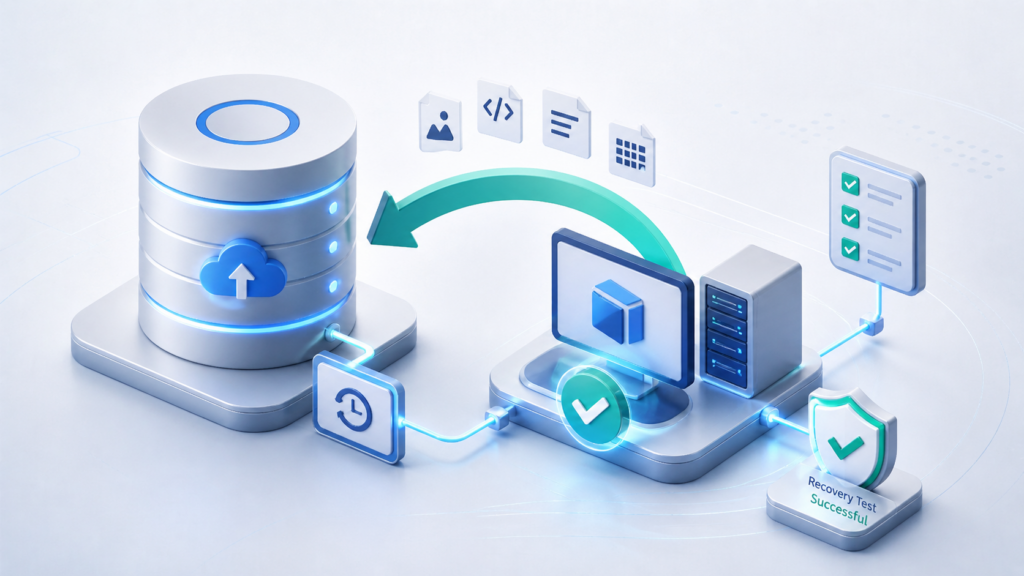
In an audit context, logs are not just a checkbox indicating that “logging is enabled”; they are a body of evidence for audits and investigations. They must show who performed an action, when, from which source, on which object, and with what result.
The first step is to define which events must be recorded. This minimum set typically includes:
Different logs answer different questions. Administrative logs show who changed the configuration. Access logs show who accessed data or a service. Network logs help reconstruct the direction of connections. Application logs explain the behavior of a business service. For audit purposes, these sources should not exist separately in different consoles; they should be collected centrally.
However, simply collecting events is not enough. A log-related audit artifact must include context: the export date, the period under review, the source, the owner, the scope, and a link to the retention policy. It is also worth showing who has access to the logs and how they are protected against modification or deletion.
If an administrator can alter or delete traces of their own actions, the log loses its evidentiary value. Therefore, the auditor must be shown not only that logs exist, but also that they are preserved, how long they are retained, and who has access to them.
The presence of logs does not by itself mean audit readiness. The team must be able to quickly find a specific event for the required period and demonstrate that the retention period covers the interval under review. Logs help establish what happened, but they do not restore data or a service to an operational state on their own. The next section covers backup and recovery.





In an audit, backups are assessed not by the schedule, but by the ability to restore the service. A backup schedule and policy do not prove that the service can be recovered. They document intent: which data must be copied, how often, and how long it must be retained. Job reports confirm that backups were actually created. However, the key audit artifact is the test restore report: it demonstrates that the backup is accessible, intact, and compatible with the required system version.
A backup policy should specify:
For an audit, it is important to link this policy to evidence. If a critical database is included in the list of protected resources, job reports, error logs, and a test restore report must be available.
A weak response to an auditor’s request is a backup schedule and a “successful” status. A verifiable response includes the policy, the list of protected resources, reports for successful and failed jobs, the error log, the restore report, and a list of identified deviations.
The restore report records the date, the resource, the backup used, the recovery time, the result, any deviations from RPO/RTO, and the responsible owner. This set of evidence confirms not just that a backup was created, but that the data and service can be restored to an operational state.
After backups, the auditor needs to see that not only production data is protected, but also backups, logs, databases, disks, and data transmission channels. Encryption is not reviewed as a generic “enabled” checkbox, but as a control for specific categories of data and services.
Typically, two states must be validated: encryption of data at rest and encryption of data in transit. Keys are reviewed separately: who manages them, who can change policies, whether rotation is in place, and whether operations involving key material are logged.
For an encryption audit, prepare a set of verifiable artifacts rather than a generic screenshot:
| What to validate | Which artifacts to present |
| Formalized documents | Procedures and internal encryption and security policies, with defined areas of responsibility |
| Encryption of data at rest | Settings for storage, databases, disks, queues, backups, logs, and analytics services |
| Encryption of data in transit | Protocols in use, current certificates, and settings for public and internal interfaces |
| Key type | Specification of which keys are provider-managed and which are customer-managed |
| Access to keys | Access policies, owners, and roles that can use, modify, or delete keys |
| Key rotation | Rotation settings, dates of the most recent rotation, and exceptions |
| Key operations | Logs of key creation, use, policy changes, disabling, and deletion |
| Exceptions | Legacy systems or services where encryption is implemented differently or requires further work |
The main risk is overly broad permissions for keys. If a single administrator can modify data, delete backups, and disable encryption keys at the same time, one compromised account affects multiple layers of protection at once.
Therefore, encryption materials must be consistent with IAM exports and logs. Key permissions must have owners, key operations must be logged, and exceptions must be documented in advance. Otherwise, encryption may appear to be enabled but remains unverifiable as a control.
Encryption concludes the technical part of the preparation. The next step is to organize all evidence into a manageable structure, with document versions, owners, validity periods, exceptions, and incident response procedures.
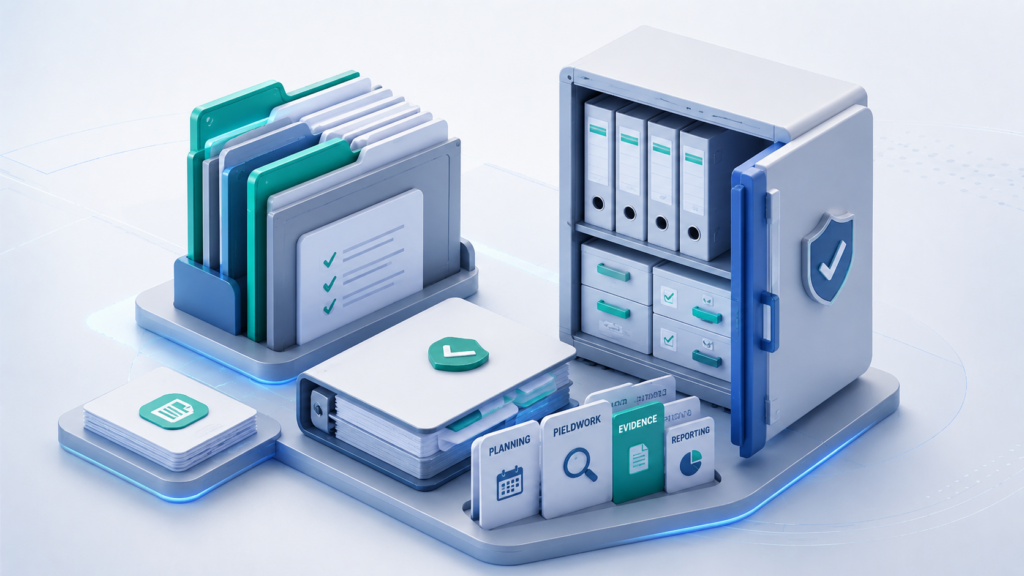
Audit documentation brings technical configurations together into a single coherent picture: infrastructure diagrams, permissions, logs, backups, encryption, and response processes. If documents lack a defined scope, owners, dates, and links to controls, even correct configurations look like a set of disconnected files.
Start with the architecture diagram. It should show the infrastructure under review: cloud accounts or projects, networks, segments, critical services, data stores, external access points, integrations, logging, backups, and key management. Environments should be identified separately: production, testing, and development, along with the boundaries of responsibility between the team and the provider.
Next, you need an artifact register—not just a folder of files, but a list of materials with clear context. For each report, export, or record, it is worth capturing the following:
This type of register prevents the team from having to search for materials again every time an auditor asks a question. The team can quickly show which control a specific artifact supports, what period it covers, where it came from, and who is responsible for keeping it up to date.
An incident response procedure should also be prepared separately. It confirms that the organization not only collects logs and performs backups, but also understands the required course of action when security or availability is compromised. The procedure should define participant roles, incident classification, escalation channels, rules for preserving evidence, communications, containment and recovery actions, and the process for subsequent review.
It is best to organize materials by area: architecture, IAM, logs, backups, encryption, incident response, policies, and exceptions. Each area should contain current artifacts with a date, owner, and clear scope. This turns the audit from a search for “where that screenshot is” into a structured validation of controls that have already been prepared.
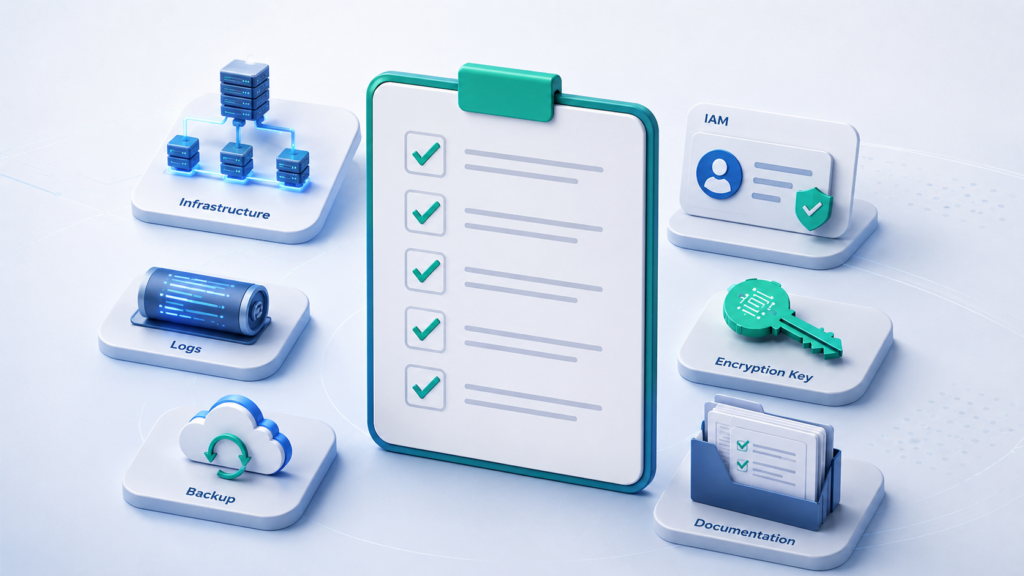
After preparing the technical domains and documentation, it is useful to consolidate a minimal set of artifacts into a single checklist. It does not replace the requirements of a specific standard, but it helps verify that the basic evidence for the cloud infrastructure has been collected, is up to date, and includes context: date, scope, owner, data source, and mapping to the relevant control.
The key technical artifacts can be checked as follows:
| Area | What to Prepare |
| Architecture | Diagrams of cloud accounts, projects or subscriptions, networks, critical services, data stores, external integrations, logging, backups, and key management |
| IAM and Access | A matrix of roles and groups, a list of privileged users, service accounts, access owners, MFA status, the date of the last review, exceptions, and temporary permissions |
| Logs | Logs of sign-ins, failed sign-in attempts, administrative actions, changes to roles, network rules, resources, keys, and access to critical data; separately, the retention period and permissions for the logs themselves |
| Backups | The backup policy: scope of coverage, backup frequency, retention periods, storage locations, requirements for immutable or isolated copies, RPO/RTO, and responsible owners |
| Recovery | Backup job reports, error logs, test recovery records with the date, result, recovery time, and deviations from RPO/RTO |
| Encryption | Encryption settings for data at rest and in transit, key information, key access policies, key rotation, key operation logs, and exceptions for legacy systems |
In addition to technical evidence, it is worth preparing organizational materials separately:
This checklist should be reviewed before the audit begins. If each item has a current artifact, an owner, and a mapping to the relevant control, the team can respond to requests faster and reduce the risk of inconsistent or incomplete evidence.
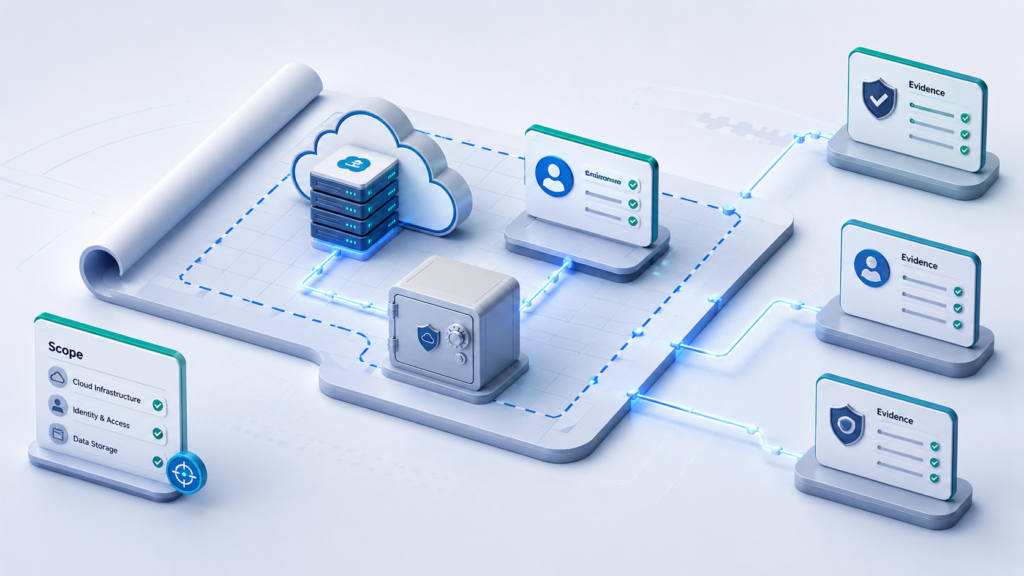
Cloud infrastructure audit readiness is determined not by the number of enabled settings, but by the quality of the evidence. For each significant risk, it must be clear which control addresses it, where it is configured, what evidence supports it, who is responsible for it, and the period for which the data has been collected.
If the audit scope, IAM permissions, logs, backups, recovery, encryption, keys, and procedures are linked in advance into a single structure, the audit stops being a last-minute search for screenshots. The team does not prove security by assertion; it can calmly present the facts: up-to-date artifacts, owners, dates, exceptions, and their mapping to specific controls.
Auditors typically request an infrastructure diagram, a list of cloud accounts or projects, IAM exports, access logs, backup policies, recovery test results, encryption settings, key details, and formal documents, including an incident response procedure. They will also verify that the documentation matches the actual environment.
Usually not. A screenshot can serve as supporting evidence, but without the date, scope, owner, time period, and link to the control, it is weak. It is better to prepare exports, reports, logs, and test records.
The review frequency depends on the requirements of the standard and the criticality of the system. For privileged roles and service accounts, reviews must be regular and documented.
Not just a successful backup job, but a recovery report. It records the test date, the resource, the backup used, the recovery time, the result, any deviations from the RPO/RTO, and the responsible owner.
You need to provide evidence of data encryption at rest and in transit, storage and database settings, the key management service in use, key access permissions, key rotation, key operation logs, and exceptions for legacy systems.
It is helpful to group them by area: architecture, IAM, logs, backups, encryption, incident response, policies, and exceptions. Each section should contain up-to-date artifacts with an owner and the date they were created.
1. NIST SP 800-53 Rev. 5 — Security and Privacy Controls for Information Systems and Organizations
2. Cloud Security Alliance — Cloud Controls Matrix v4 / CAIQ
3. AWS Audit Manager — Concepts and terminology
4. Microsoft Cloud Security Benchmark