Mateo GarciaEditor

Mateo GarciaEditor
A Cloud Firewall and Security Groups solve a similar problem — they both restrict network traffic — but they do so at different layers. Put simply, a Cloud Firewall operates more broadly and controls traffic at the network level, while Security Groups sit closer to a specific resource and limit access more selectively.
That is exactly why it is not quite right to treat them as two direct competitors. One is better suited to broader network-level control; the other is better for defining access to an individual server, application, database, or group of resources. In practice, they often do not replace one another, but complement one another.
The difference between Cloud Firewall and Security Groups:
| Mechanism | Where it operates | What it is stronger at |
| Cloud Firewall | At a broader network level | Centralized control and traffic filtering |
| Security Groups | At the individual resource level | Precise access control for a server, application, or database |
The real difference here is not “which one is stronger,” but which part of the network each one governs. The next step is to look at each mechanism separately and then compare them calmly in practice.

Above, we briefly separated the core idea: one mechanism operates more broadly at the network level, while the other works closer to the individual resource. Now we can move calmly toward the first member of that pair and look at it in more detail.
A Cloud Firewall is a cloud-based network control mechanism that filters traffic according to defined rules and helps govern which connections are allowed at all within the cloud environment or at its ingress and egress points. Put simply, it looks beyond a single server and focuses on a broader network segment where unnecessary or unwanted traffic should be filtered out in advance.
If you imagine the infrastructure as a building, then a Cloud Firewall is not the lock on the door of one individual office, but a security post at the level of a sector, a floor, or an entry zone. Its purpose is not to manage one resource with pinpoint precision, but to define a broader perimeter of network control.
Now let us look at where it actually works. This is precisely why it is valued: it does not sit “right next to” one specific resource, but operates at a broader network level. That is why it is usually used where the goal is not to control a single server, but an entire traffic direction, network segment, or group of systems.
Put simply, it is most often placed at points like these:
| Area | What is usually being controlled |
| Inbound traffic from the Internet | Which connections are allowed into the cloud environment at all |
| Outbound traffic to the outside world | Which services and nodes are allowed to reach external destinations |
| Traffic between network segments | Which subnets, environments, or groups of systems may communicate with one another |
| Access to public services | Which ports, protocols, and sources are allowed for external access |
| Traffic movement inside a VPC/VNet or similar network | Which internal communication paths are considered acceptable |
That is where the practical value really lies: a Cloud Firewall looks at traffic not as a collection of separate machines, but as flows between zones, segments, and entry points. For that reason, it works especially well for broader network control, where rules need to be defined from above rather than assembled piece by piece on every individual resource.
This is particularly useful in infrastructures that already contain multiple subnets, public and private services, databases, backend systems, and separate environments such as dev, test, and production. In that kind of setup, it is much more convenient to manage the network logic centrally than to try to untangle everything using only the rules of scattered resource groups.

Once a Cloud Firewall is operating at the broader network level, its role becomes fairly easy to understand: it defines the baseline rules for how traffic is allowed to move and prevents the network from behaving according to the principle of “if it connected somehow, then it must be fine.”
In practice, it usually takes on tasks such as these:
There is one important nuance, however: a Cloud Firewall is not a “universal defender of everything.” It works well specifically at the level of network rules and traffic directions.

We can now move to the second mechanism in this pair. If a Cloud Firewall defines the broader network perimeter, then Security Groups are responsible for precise access control at the level of a specific resource.
Put simply, a Security Group is a set of rules that determines which traffic is allowed for a specific server, virtual machine, database, interface, or other cloud object. Unlike a Cloud Firewall, this mechanism is not applied to the whole network at once, but to an individual access point. Of course, the same rule set can be attached to multiple objects, but the logic still operates at the level of the specific host or resource.
Security Groups are used where it is important not just to restrict the network in general, but to define clearly which connections are allowed for a particular component. For example, to let a web server accept only the public traffic it actually needs, allow SSH only from an administrative IP range, or permit an application to reach the database only on the required port.
In practice, teams like them for their precision. When rules are attached to a specific resource, it becomes easier to understand which connections that resource genuinely needs and where access has been opened too broadly and already deserves to be tightened.
At the same time, they do not replace the entire network policy by themselves. This mechanism solves its own part of the problem well, while broader traffic control across the cloud network is usually built with other tools.
The idea here is simple: Security Groups are assigned to a specific resource, not to the whole network at once. That makes them especially convenient when you want to define separately which traffic is allowed for a server, a database, an application, or another cloud object.
Such a resource may be:




That is exactly why this mechanism is useful where access needs to be described not for the entire environment at once, but for each component individually. One resource may expose only HTTPS, another only an internal port for communication with the application, and a third may have no public entry point at all.
This becomes especially important in infrastructures where different components with different roles live side by side. For example, the web server should accept requests from users, the backend should accept traffic only from the frontend, and the database should accept connections only from the backend. Formally, all of this may exist within the same cloud network, but their access requirements are different. That is where the practical value of this more granular approach becomes especially clear.
This can be reduced to a simple model:
| Resource | What kind of access it may need |
| Web server | HTTPS from the Internet, SSH only from an administrative IP |
| Backend service | Connections only from the frontend or the load balancer |
| Database | Access only from the application on the required port |
| Internal service | Traffic only from its own subnet or service group |
Because of this, Security Groups help not just to “filter the network,” but to build a cleaner access model around each individual component. And the more services with different roles exist in the infrastructure, the more useful this precise approach becomes.
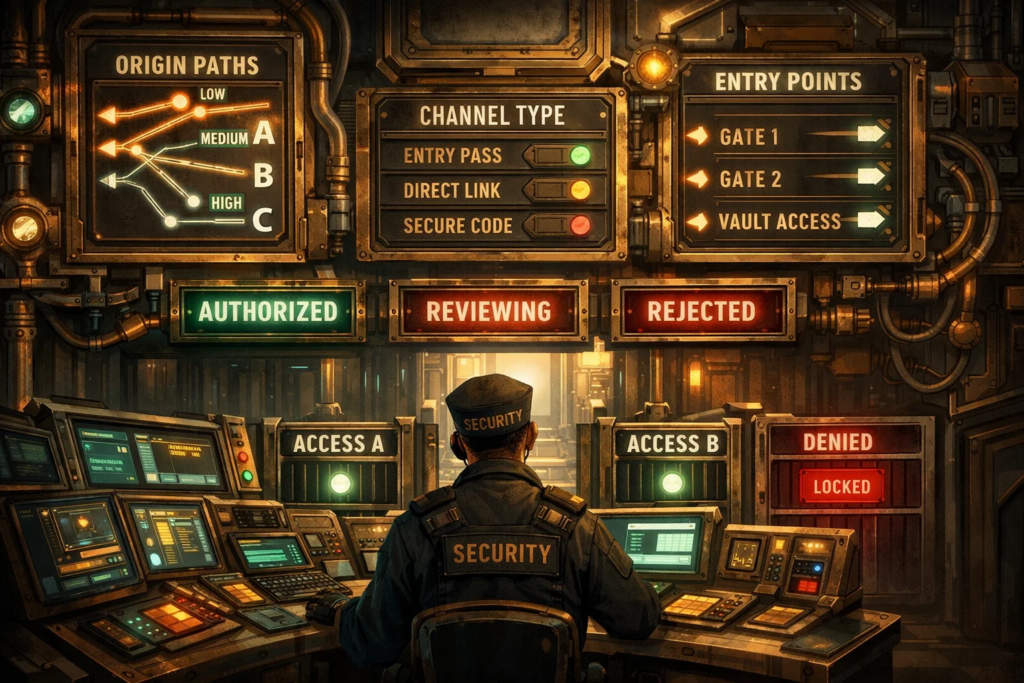
Now that the core principle is clear, we can move to a more practical question: what exactly do Security Groups check in real operation?
In most cases, everything revolves around the basic parameters of network access:
In other words, Security Groups do not analyze whether a request is “useful,” do not inspect the contents of an HTTP page, and do not decide whether the user is good or bad. Their job is simpler and stricter: allow or deny a network connection based on predefined attributes.
For example, an online magazine might have a setup like this: the public web server should accept HTTPS requests from readers, the internal editorial service should accept traffic only from the corporate network or a VPN, and the database should accept connections only from the backend application on one specific port. In a situation like that, Security Groups make it possible to define access quite tightly by role and avoid exposing each component to communication paths it does not actually need.
In practice, this is useful precisely because of its straightforwardness. If a resource needs only one communication scenario, the rule can be made very narrow. If it needs several, they can still be described separately rather than blurred into something vague like “let whatever needs to work, work.”
That is why Security Groups are so good at keeping network access in a cleaner state. Not in the sense of providing absolute protection from every threat, but in the sense of enforcing basic discipline: each resource exposes only the minimum it genuinely needs in order to function.
From here, it becomes natural to move to the real comparison itself: why Cloud Firewall and Security Groups are so often discussed side by side, and what the actual difference between them is.
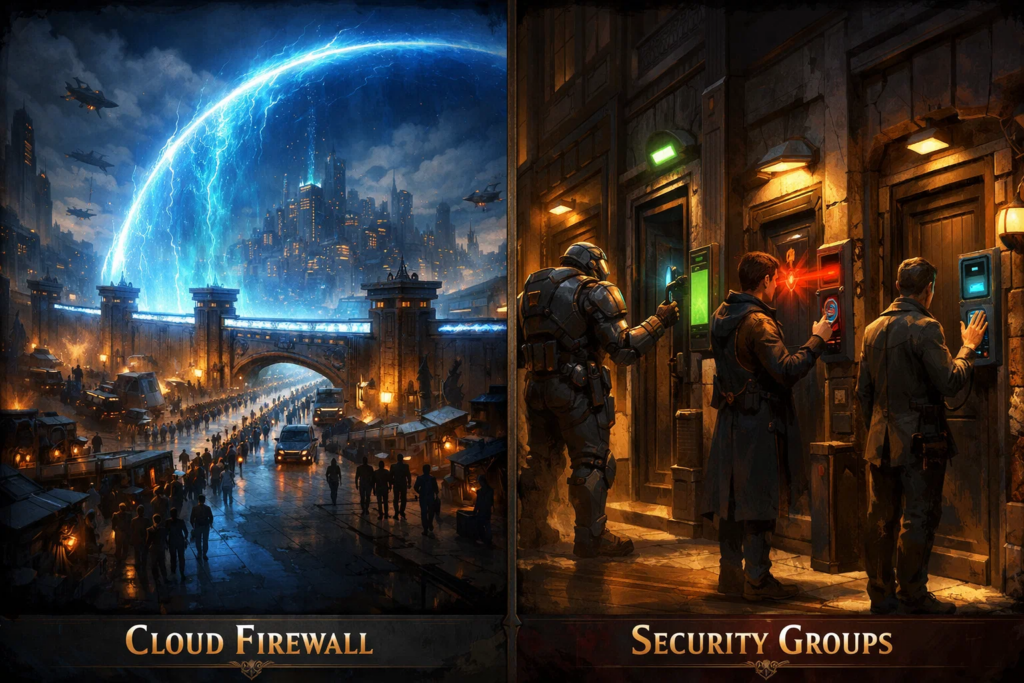
By this point, the basic distinction has already been established: a Cloud Firewall operates at a broader network level, while Security Groups work closer to the individual resource. Yet the two are still constantly discussed side by side, and the reason is fairly obvious: both mechanisms control network traffic, and at first glance both look like ways to “allow one thing and block another.”
That is exactly why people often treat them as almost interchangeable. In practice, the question usually sounds something like this: if we already have one traffic-filtering mechanism, why do we need the second?
The confusion comes from the fact that, from the outside, the task really does look similar. Both Cloud Firewalls and Security Groups work with access rules, restrict connections, and help reduce unnecessary exposure in the infrastructure. But they do so at different layers and with different logic of application.
The easiest way to put that into one clear view is this:
| Criterion | Cloud Firewall | Security Groups |
| Level of operation | A broader network level | The level of a specific resource or its access point |
| Primary purpose | General traffic control between zones, segments, and directions | Precise access control for an individual server, service, or database |
| Where it is especially useful | When network rules need to be defined centrally for part of the infrastructure | When it is necessary to describe exactly who may connect to a specific resource |
| Application logic | Applied from above, as part of the broader network perimeter | Applied locally, usually around an individual object |
| Typical scenario | Restricting access between subnets, environments, or external and internal segments | Allowing HTTPS to a web server, backend-to-database access, or SSH only from a required IP |
| Core strength | Centralized and broader control | Precision and clean access definition by resource role |
| Limitation | Does not replace fine-grained rules for specific objects | Does not replace the broader network perimeter or segmentation layer |
That is why they are compared so often: their areas of use are adjacent, the terminology sounds similar, and on the surface the task appears almost identical. But that comparison is only useful up to a point. Beyond that, it becomes clear that this is not really about two competing mechanisms, but about two levels of the same network control model.

After the comparison, their different roles in a cloud network are already clear. So the next step is not theory, but the actual application model: where the broader network perimeter ends, and where the more granular access rules for individual components begin.
In practice, these two mechanisms are usually assigned to different layers. One holds the baseline restrictions at the network level, while the other refines access rules around specific resources.
In a real access model, the division of roles usually looks like this:
| Layer | What is usually controlled |
| Cloud Firewall | General rules for inbound, outbound, and inter-segment traffic |
| Security Groups | Permitted connections to individual servers, services, databases, and other resources |
This becomes especially clear in a simple example. Imagine the cloud infrastructure of an online store: there is the website, an internal order-processing layer, a database, and several supporting components.
In such a system, the Cloud Firewall usually takes the broader role. It helps define the baseline boundaries: what may be allowed from outside, which parts of the environment may communicate with one another at all, and where additional restrictions should exist.
Security Groups then work at a finer level. They help define access separately for each component, so that the website, the internal logic, and the database do not receive unnecessary connections simply because they happen to live in the same environment.
As a result, the design becomes cleaner and easier to understand. The general rules stay at their own level, while access to individual resources is configured separately, without unnecessary overlap.
That is exactly where the combination of these two mechanisms becomes especially practical: one helps maintain overall order in the network, while the other helps ensure that individual components are not given more access than they actually need.

When choosing between a Cloud Firewall and Security Groups, the mistake usually begins not in the configuration, but earlier — in the way the question itself is framed. Many teams try to decide which mechanism is “better,” when in practice the more important issue is something else: how consistently access is restricted across the cloud environment, and whether unnecessary connections still exist where they should not.
That is exactly what should be checked first. Not only whether the necessary rules are open, but also whether overly broad permissions, old exceptions, temporary access rules, and network paths that were once added “just in case” have been left behind and forgotten.
That is why a good cloud network policy is usually built not around one “magic” tool, but around sound access discipline. The more clearly the roles of components are separated, and the less unnecessary traffic exists between them, the easier that infrastructure becomes to operate, review, and protect.
Sometimes yes, especially if the infrastructure is small and simple. But as the environment grows, point-level control alone usually stops being enough.
Usually not. Broad network rules do not always provide the level of precision needed for individual servers, services, or databases.
Usually not the number of tools, but the cleanliness of the rules. Even a simple setup should be built so that resources do not have unnecessary access.
Usually in permissions that are too broad. For example, when access is opened “temporarily,” “for testing,” or “just in case” — and then never closed again.
Yes. Otherwise, the infrastructure gradually accumulates old exceptions, unnecessary connections, and access paths that are no longer needed but still remain open.
1. AWS Docs — Control traffic to your AWS resources using security groups
2. AWS Docs — Security group rules
3. Google Cloud Docs — VPC firewall rules