Mateo GarciaEditor
Mateo GarciaEditor
Hello, reader.
Today we’re looking at FaaS, virtual machines (VMs), and containers. The goal is simple: understand when each option is the better fit, where you’ll win on cost and speed, and where you’ll win on control and predictability.
To keep the entry barrier low, let’s start with a quick “evolution story.” Back in the day, things were straightforward: to run a website or an application, you needed a physical server — actual hardware in a rack that someone had to buy, plug in, maintain, and protect like a prized possession. One server meant one environment. As a project grew, you had to purchase more hardware, move data around, survive migrations, and hope your traffic spike wouldn’t hit at the worst possible time.
Then the industry got more practical, and virtual machines (VMs) became mainstream. The idea is simple: you have a powerful physical server and you “split” it into multiple isolated virtual ones. Each VM behaves almost like its own computer: it has its own operating system, its own configuration, and its own allocated resources (CPU, memory, storage). This made it easier to run different applications side by side without them interfering with one another — and to scale faster without buying new hardware for every incremental need.
Next came containers. Think of them as a lighter-weight packaging format for applications: containers share the host OS kernel, start faster, pack more densely on the same hardware, and usually scale more easily in a clustered environment. If VMs are separate apartments in a building (each with its own kitchen and bathroom), containers are rooms in a large serviced apartment: you still get isolation, but there’s less “infrastructure inside” each unit.
And that’s the backdrop for serverless.
Serverless is an approach where you don’t tell the cloud “give me a server,” but instead: “here’s my code — run it when it’s needed.” No instance sizing, no operating system setup, no always-on server sitting idle while nobody is using your product. Your focus stays on business logic, while the platform handles the underlying hardware, OS maintenance and patching, baseline availability, and the day-to-day operational routine behind the scenes.
Now, the key question: why does the acronym FaaS always show up next to serverless?
FaaS (Function as a Service) is the most common — and the most intuitive — slice of the serverless model. In plain terms, you deploy a function (not in the academic sense, but a small piece of code), and it runs in response to an event. For example: an HTTP request arrives, a file is uploaded to object storage, a message appears in a queue, a timer fires, or a payment provider sends a webhook — and at that moment the platform spins up an execution environment and runs your code.
If you’ve ever integrated services via webhooks, you already have the right intuition for FaaS. Something happens — the platform “calls” your handler. For instance: a Jira ticket is created, and a notification shows up in a messenger app. The difference is that instead of a script on a server that’s always running and waiting, you have a function that starts only when the event occurs, does its job, and stops.
Because of this, people often say “Serverless = FaaS.” Strictly speaking, that’s not quite accurate:
FaaS changes the way you think about deployment. Instead of asking “where will this live?” you start asking “when should this run?” You have a function and an event that invokes it — and the platform takes care of the rest. Next, it’s only logical to look under the hood and break down how it works end to end.

Let’s start with the basics. A trigger is the signal that tells a function to run. In a serverless model, your code doesn’t “sit on duty” 24/7. It wakes up only when the right event happens — and that’s the whole trick, in the simplest possible terms.
So what typically acts as a trigger?
The key point is that a trigger defines the moment of execution, not a constant “waiting loop” on a pre-provisioned server.
Now, scaling. In FaaS it’s often simpler than it sounds: if there’s one event, you get one invocation. If many events arrive at once, the platform spins up more parallel executions to process the backlog faster.
A rough analogy: your computer freezes and you click the browser icon ten times. Eventually you end up with ten separate windows. The underlying idea is similar — the platform sees more work and launches more parallel “instances” of execution. The difference is that in the real world, there are rules: how many concurrent invocations are allowed, how quickly new ones can be started, and what logic the platform uses to add capacity.
And “automatic” doesn’t mean “infinite.” There are always limits — on concurrency, on ramp-up speed, on the number of simultaneous database connections, and on external APIs. During spikes, the bottleneck is often not the function itself, but a neighboring component — for example, a database that suddenly gets hit with hundreds of concurrent requests. That’s the classic failure mode: FaaS scales exactly as designed, but the rest of the system wasn’t built to handle that level of parallelism.
Finally, cold starts. This is the extra latency you get when the platform has to bring up an execution environment from scratch. If a function hasn’t been invoked for a while, the platform may keep it “cold” to avoid wasting resources. When a new trigger arrives, it needs time to prepare the environment, load your code and dependencies, initialize the runtime — and only then execute your handler. With “warm” invocations (when the environment is already up), things are usually much faster.
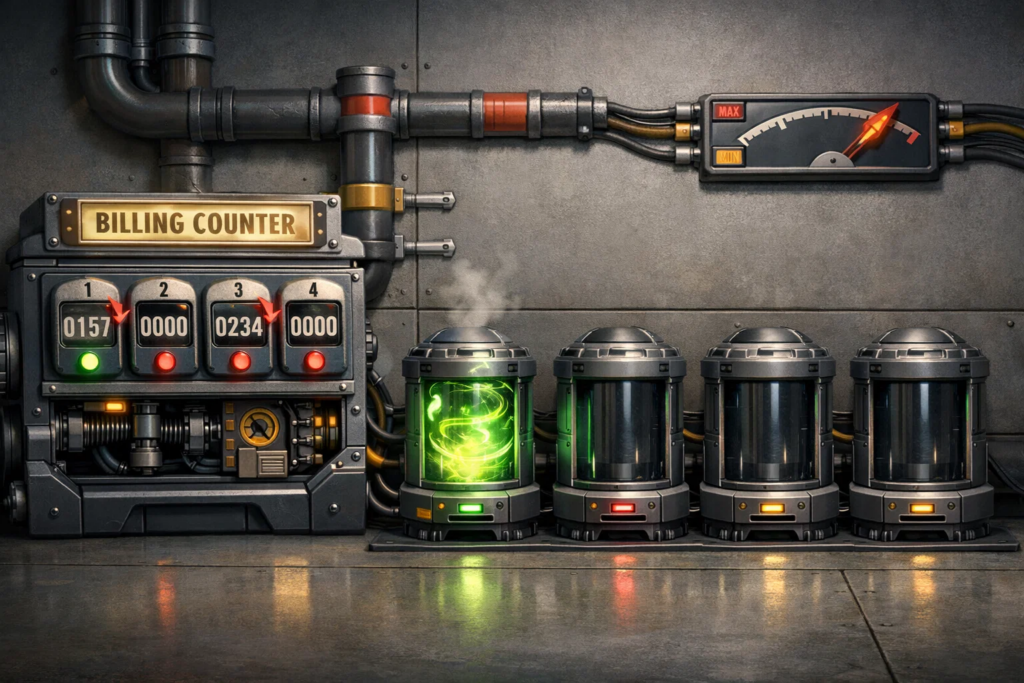
Now we’re in the second half of the serverless story — the part that makes people either love FaaS or complain about it: how pricing works, and what limits the platform imposes.
Let’s start with pricing. In the traditional model, you typically pay for always-on capacity: if a server or container runs 24/7, you pay 24/7 — even if traffic drops to zero at night. FaaS works differently. In most cases, you pay for actual execution: how many times the function was invoked and how long it actually ran (plus the amount of allocated resources, such as memory). On paper, that looks like a dream: no invocations, no bill.
But there’s a catch. “Pay per execution” isn’t always cheaper. If a function is triggered very frequently and runs for a long time, costs can grow faster than expected — especially if the code isn’t optimized, you ship heavy dependencies, or you spend a lot of time waiting inside the function (for example, on slow database calls or external APIs).
That leads to a practical rule of thumb: FaaS tends to shine when load is spiky or event-driven, and it tends to lose when you have a steady 24/7 stream of requests and the function is constantly busy.
Now about platform constraints. They always exist — people just don’t think about them until the first “why isn’t this running?” moment.
The most common limitations look like this:



And this is the core idea: FaaS gives you convenience, but you pay for it not only in money, but in platform boundaries. If your workload fits inside those boundaries, the result can be fast, cheap, and clean. If it doesn’t, you end up with workarounds, extra complexity — and sometimes surprisingly expensive bills.
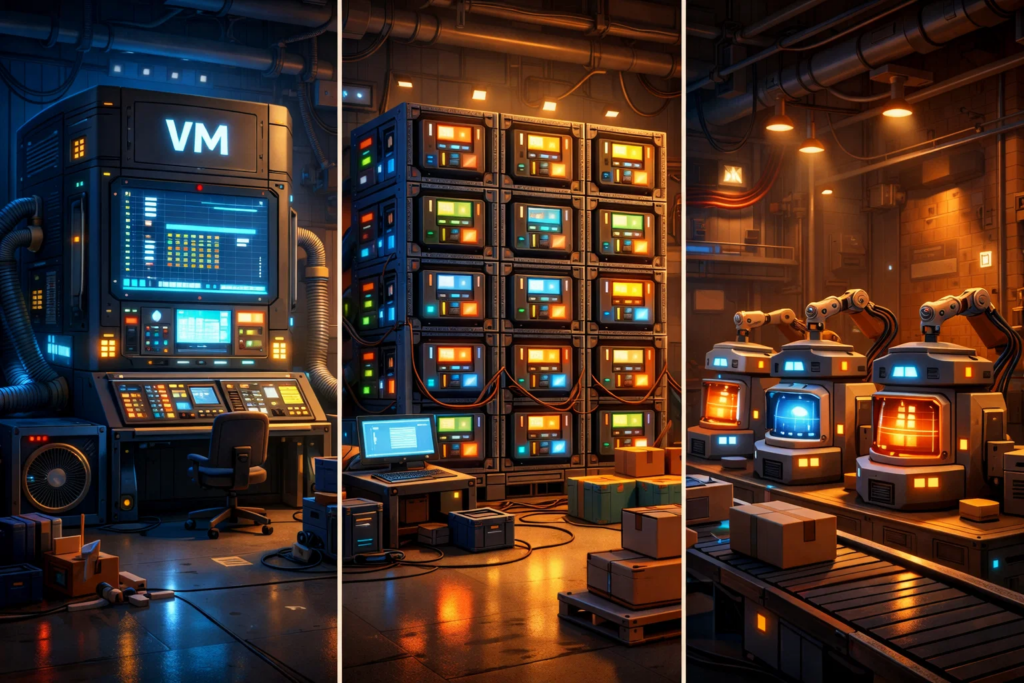
Now let’s put everything in order. At the start, we introduced VMs, containers, and FaaS at the “what is it?” level. Here we’ll compare them in a way that makes the practical differences obvious — and explains why the “textbook” answer isn’t always the most convenient one in real life.
The biggest difference is that these approaches have different units of thinking.
To make the comparison easier, here’s a straightforward “head-to-head” table across the factors that most often drive the choice:
| Criterion | VMs | Containers | FaaS (Serverless) |
| What you “rent” | A virtual machine (almost like a separate computer) | A runtime environment + containers (application packaging) | Function execution on demand (event-driven) |
| Who manages the OS | Usually you | Partly you (depends on the platform), but often still you | The platform |
| Deployment | Heavier, closer to a “traditional server release” | Faster, more standardized | Very fast: “deploy the function + wire up a trigger” |
| Scaling | Typically manual or autoscaling, but you define the model | Usually via replication / an orchestrator | Event-driven: more triggers → more concurrent invocations |
| Billing model | Pay for allocated resources, even when idle | Pay for allocated resources (nodes/cluster), even when idle | Pay per invocation and execution time (within platform limits) |
| Long-running jobs | Suitable | Suitable | Usually limited by maximum execution time |
| Local state | Possible (but risky) | Possible, but external services are preferred | Almost always “stateless”; state lives outside |
| Level of control | Maximum | High, but more moving parts | Minimal; the platform decides a lot |
Here are a few points that usually surface in production, not in theory.
For example, many people assume FaaS is “simply cheaper” because “you only pay when it runs.” In practice, savings don’t appear by magic — they come from specific load patterns. If your application has a steady 24/7 baseline, FaaS may not be cheaper at all, because you’re paying for a huge number of invocations and the total execution time. But if your workload is step-like — peaks and pauses, seasonality, sporadic background jobs — that’s where serverless really feels like “pay for what you actually use.”
Another non-obvious point: scaling can become a problem precisely because it’s too good. The platform can spin up a lot of parallel executions, but the real question is where those executions go next. If every function hits the database and opens its own connection, the database becomes the bottleneck — and you end up with a situation where FaaS did its job perfectly, yet the system still degrades. That’s why serverless architectures so often include queues, batching, rate limiting, and connection pooling — not because it’s “prettier,” but because otherwise parallelism turns into a self-inflicted DDoS against your own components.
There’s also a psychological angle that experienced teams tend to notice. Containers can feel reassuring because “we control the environment.” FaaS can feel fast because “we don’t touch infrastructure at all.” Sometimes the decision is driven by that feeling. If a team is exhausted by ops work, FaaS can be a relief. If the team is wary of platform constraints and wants predictability, containers or VMs often feel safer.
Finally, there’s a major practical difference in how you design the application. With VMs and containers, teams often build a long-lived service: you start a process, it keeps a cache warm, maintains connections, and serves requests continuously. With FaaS, you’re almost forced to think differently: a function should be ready to start in an empty environment, do its work quickly, and exit. That discipline pushes you toward a more event-driven architecture — but it can also make life harder when your workload is inherently long-running.
If we boil it down: VMs and containers are about a managed environment, while FaaS is about managed execution. The real question isn’t “what’s better in general,” but “what’s better for your workload shape and your use case.”
That wraps up the comparison. We’ve covered how FaaS differs from containers and VMs not in theory, but in real-world friction points: who owns what, how scaling behaves, where the limits hide, and why the billing model can be either a pleasant surprise — or a scary one. Now it’s time to step back, summarize, and put the whole picture together.
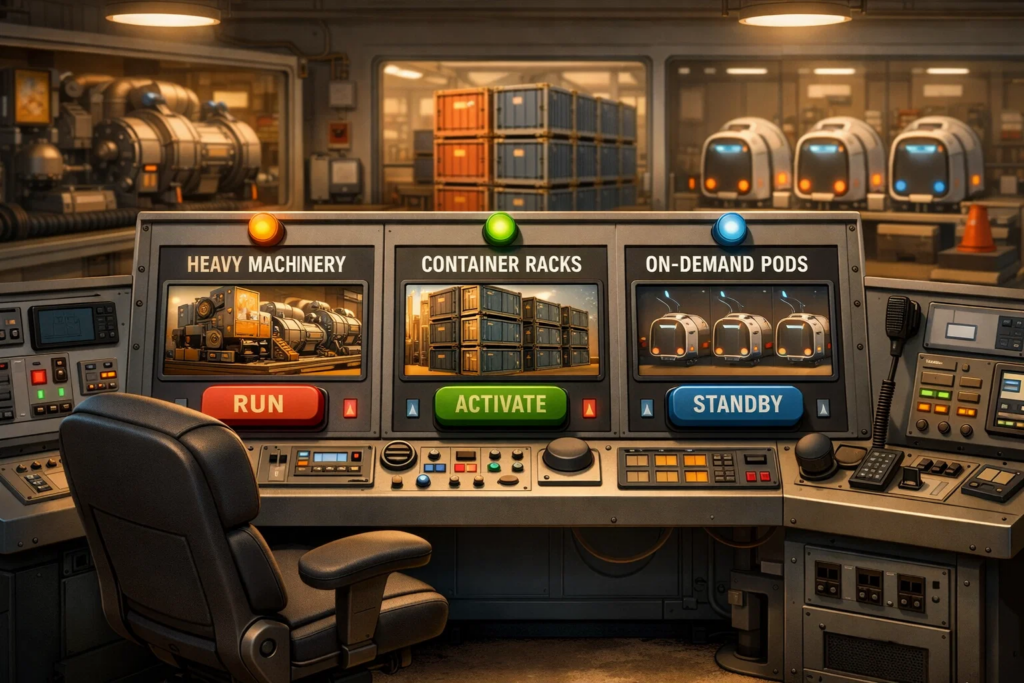
Serverless in the FaaS model means running code in response to events, rather than keeping a server or service running continuously. The platform spins up execution environments, scales parallel invocations, and takes care of much of the infrastructure routine — so you’re effectively paying for function work, not for always-on capacity.
When FaaS is usually more cost-effective than containers and VMs:
When containers or VMs are usually the better choice:
If you boil it down to one idea: FaaS wins when you can break your application into short, event-triggered actions — and containers or VMs often win when you need a long-lived service with maximum control and predictability.